






Made in Montréal
Stop booking through DMs.
Clients pick a service, choose a time and pay a deposit on their own. Rndez sends the reminders. You keep working.
For barbers, hair and nail salons, estheticians and waxing studios, tattoo studios and massage therapists.
Free to start. No credit card.

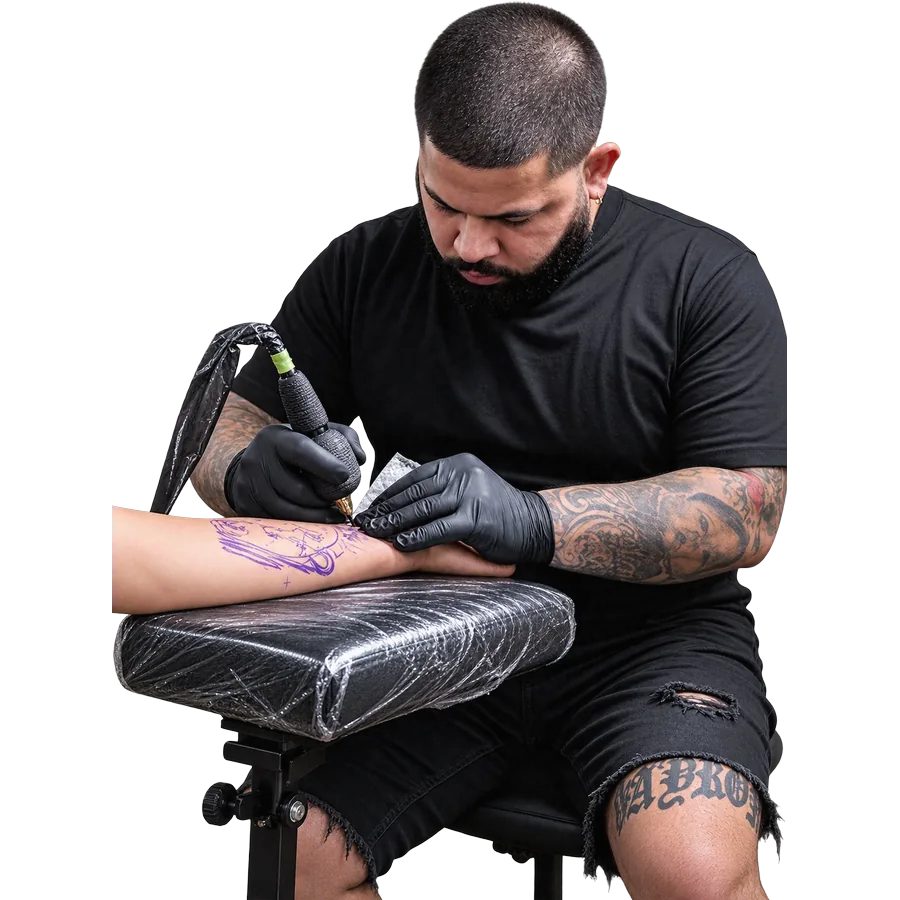



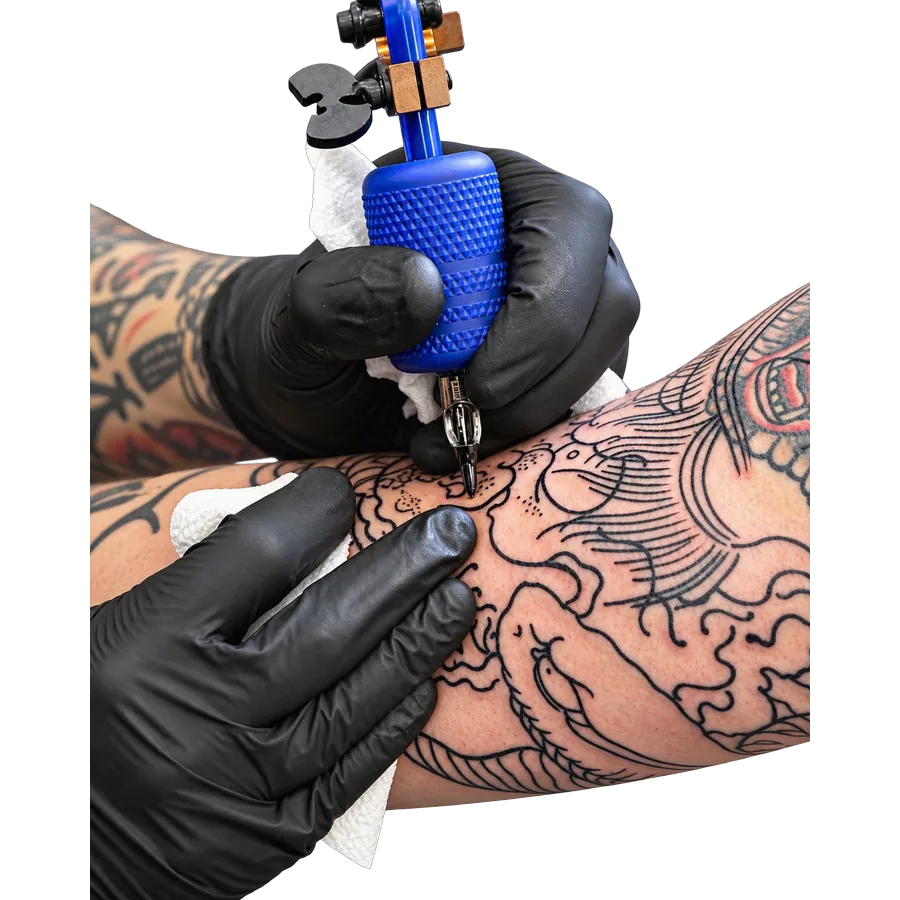

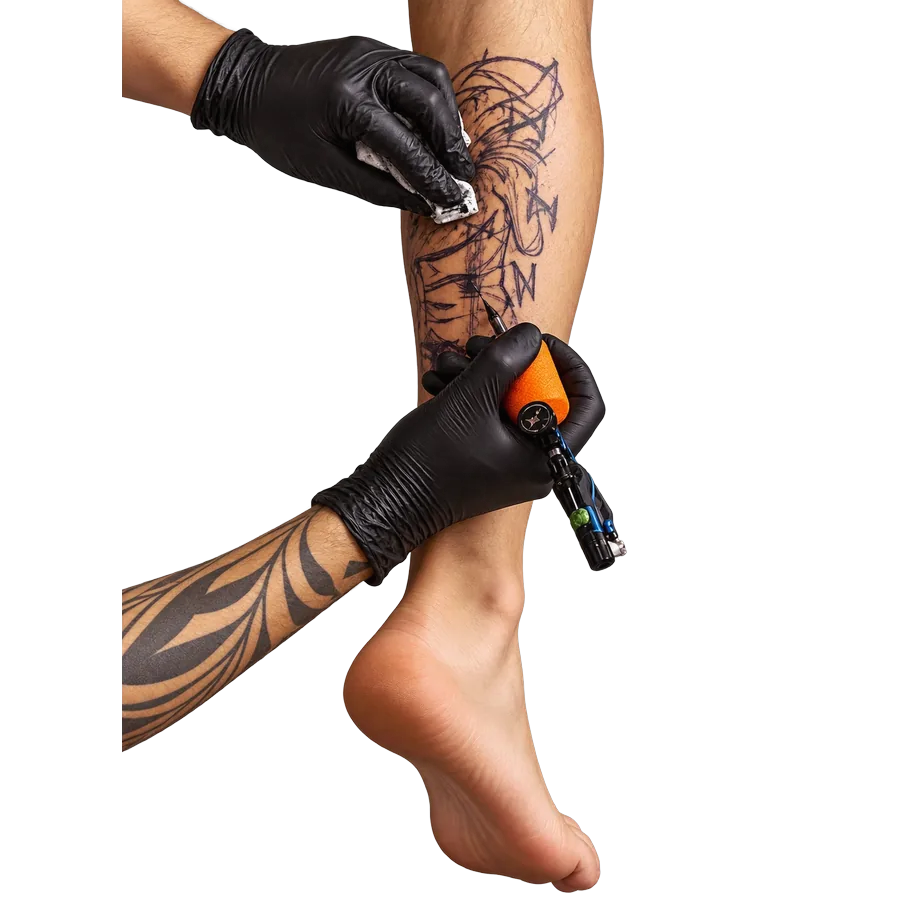





Live demo: the real booking box. Try it.
A made-up studio. Nothing is sent or charged, and bookings are wiped within the hour.
- Book 24/7
- English + French
- Bring your client list
- No marketplace
- No contract
Your phone shouldn’t be your front desk.
Are you free Friday? How much for a fade? Can I move to 3? So sorry, I forgot today!
Every message costs you something.
- You stop mid-cut to answer.
- You answer late. They book someone else.
- Someone forgets. Your chair sits empty.
- You get home. More messages.

Rndez handles it.
Clients book on their own, at any hour, and get reminded. You stay with the client in your chair.

What your clients do instead.
Four steps, no messages. These are real Rndez screens.

-
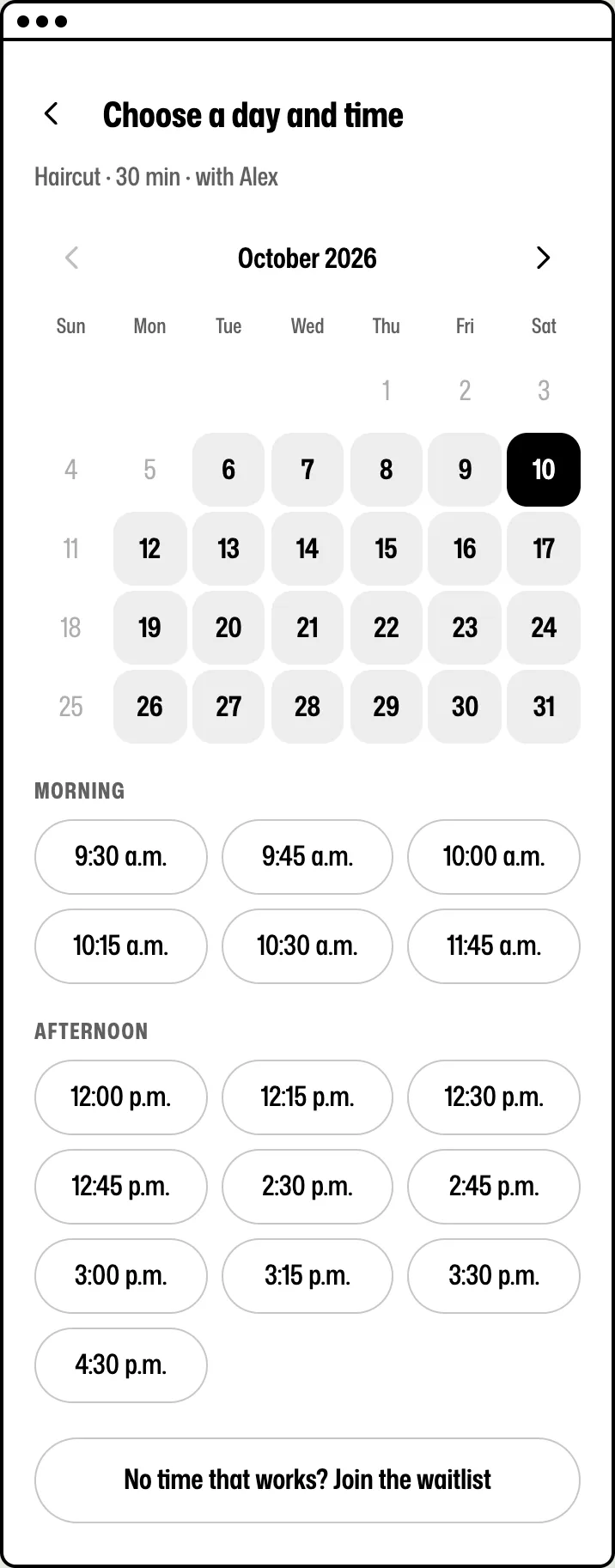
1Book
They pick a time you’re free.
Clients see only your open times. No back-and-forth.
-
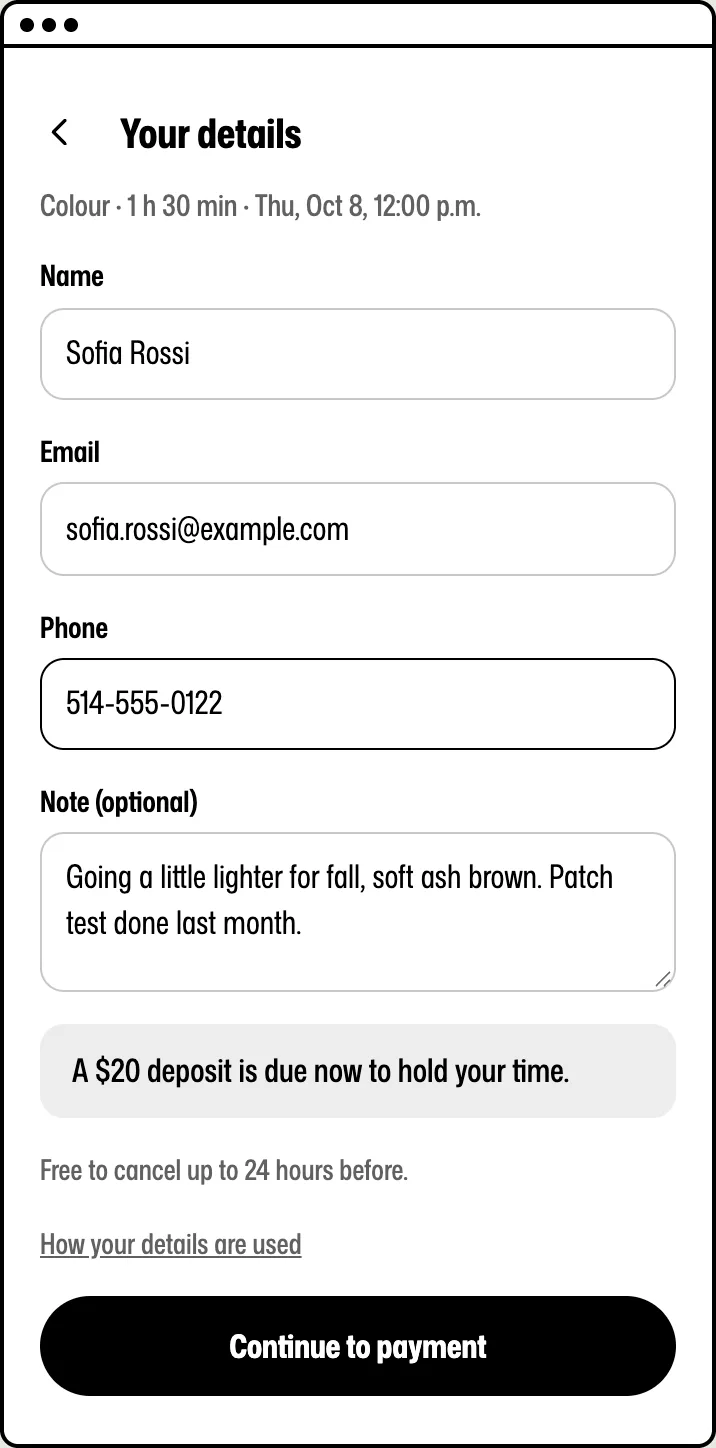
2Pay
They pay a deposit, if you ask.
Only on the services you pick. The rest is paid at your place or by a pay link.
-
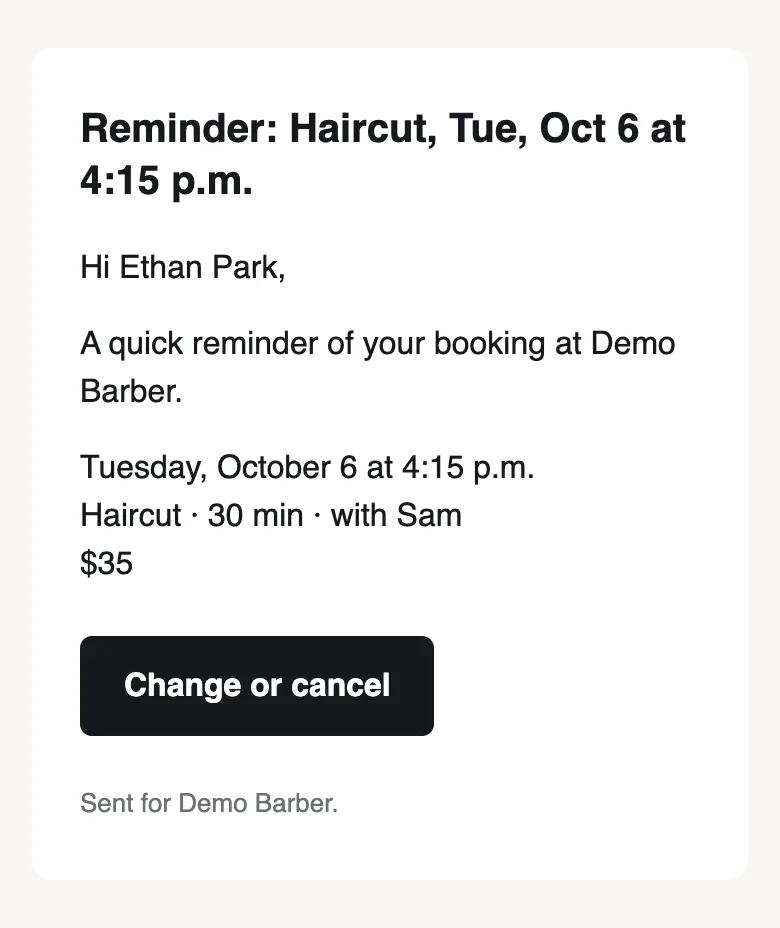
3Remind
They get reminded. You don’t text.
A confirmation right away, a reminder before the visit. By email, and by text on Solo and Shop.
-
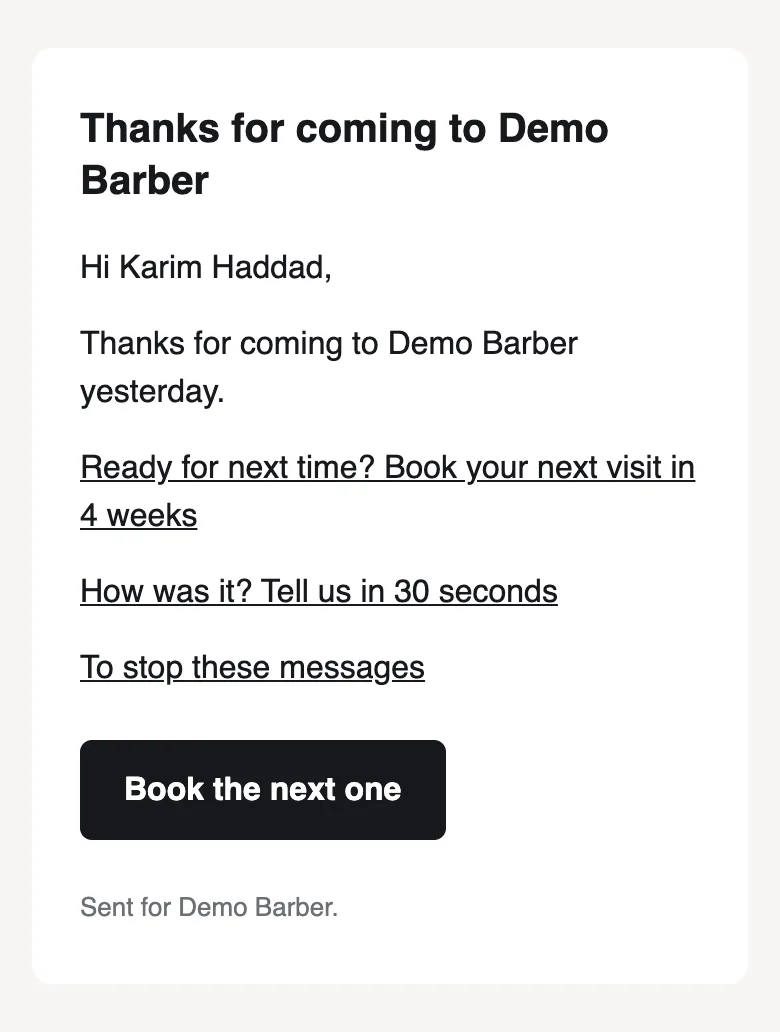
4Return
They come back.
The next day, a thank-you with a link to book again. You can turn it off.
Your side
What you see after they book.
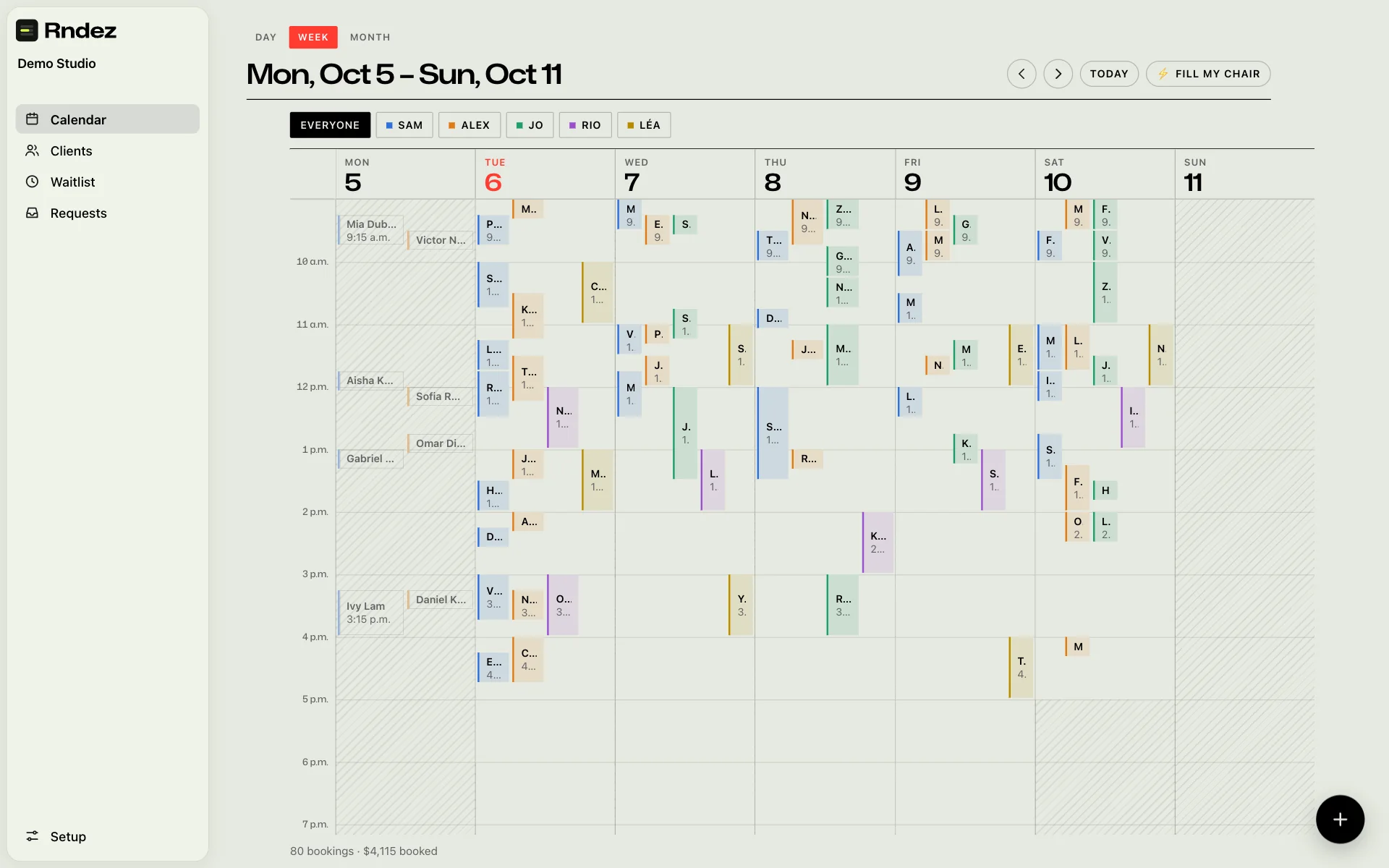
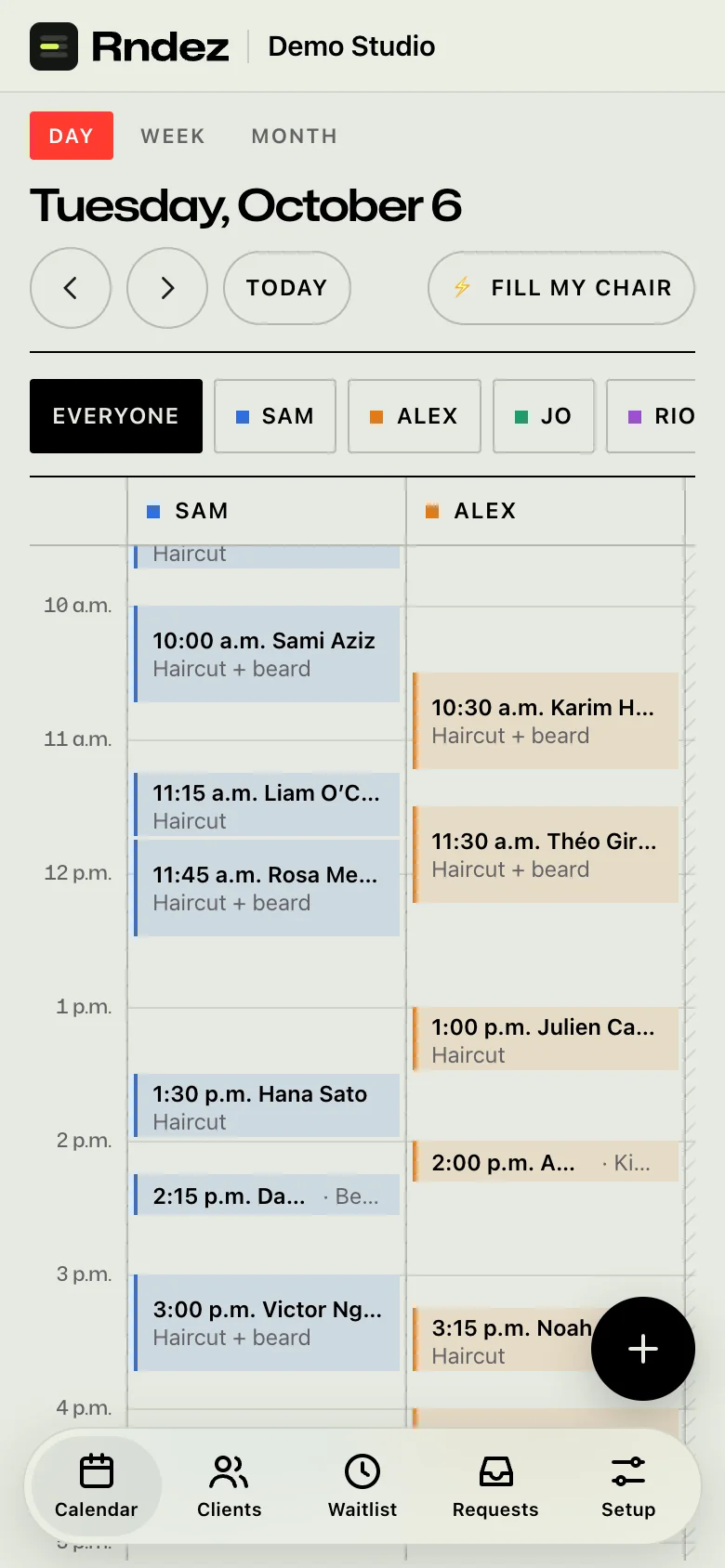
- Your day at a glanceEvery booking and every person, one colour each. On your phone or computer.
- Who paidDeposits show on each booking. Send a pay link for the rest. Clients can add a tip.
- Who your clients areEach client’s visits, notes and answers to your questions, in one place.
- How the month wentReports show money in, bookings, top services and new clients.
Your extra set of hands
Meet Rendy, your front desk.
Rendy answers the easy questions, so you don’t have to.
- Tells clients your prices and hours
- Explains your rules, like deposits and cancelling
- Finds a time you are really free
- Books it, once the client says yes
- Passes the chat to you when it can’t help
On Solo and Shop. Try it free for 60 days.
 RendyAI assistant for Demo Studio
How much is a beard trim?
A beard trim is $20 and takes 15 minutes. Want me to find you a time?
Friday after 5?
I have 5:15 or 6:00 on Friday. Which one works for you?

Fewer no-shows.
A no-show is an hour you never get back. Rndez helps three ways.
- RemindersEvery client gets a reminder before the visit. Fewer people forget.
- DepositsAsk for one on the services you pick. Clients who paid have a reason to come.
- Your rulesCancel too late, and you keep the deposit. Don’t show up, and you can charge a fee.

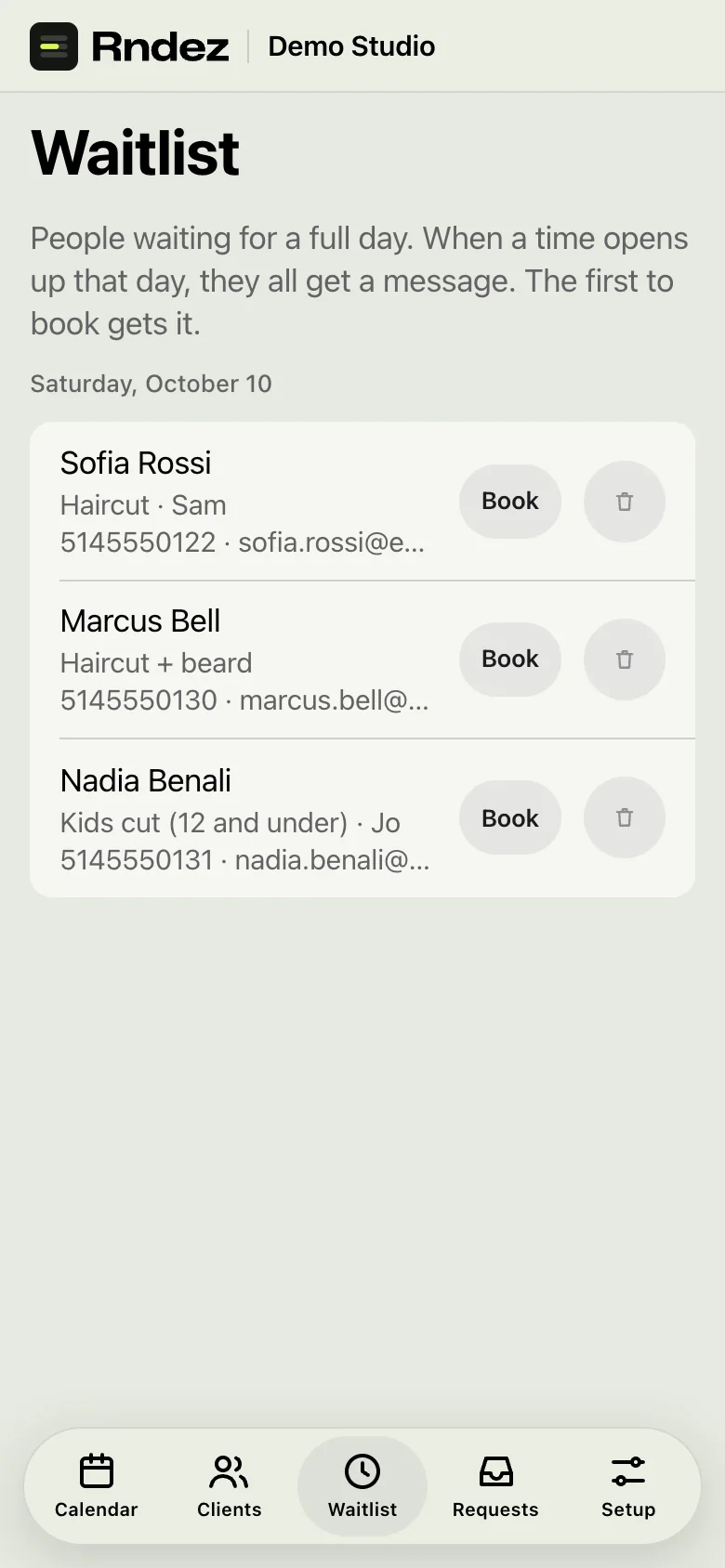
Someone cancels? Fill the spot.
When a day is full, clients can join its waitlist. When a time opens, they get a message. The first to book gets it.
Quiet afternoon? Tap Fill my chair. Rndez tells the clients most likely to want it: the waitlist first, then regulars who are due back.

Bring your clients with you.
Moving from another app? You don’t start over.
- 1
Get your list
Download your client list from your old app. A spreadsheet file: CSV or Excel.
- 2
Upload it
In Rndez, open Clients and pick Import. Choose the file.
- 3
Check it
Rndez shows the names, emails, phones and notes it found. Nothing is added until you say yes.
- 4
Done
Your clients are in. Anyone already on your list is matched, not doubled.
On your website, or no website at all.
Have a website?
Paste a short code. The booking box shows up in your page, in your colours.
- Shopify
- WordPress
- Wix
- Squarespace
- Webflow
No website?
You get a booking page with its own link. Put it in your Instagram bio, your Google profile and your texts.
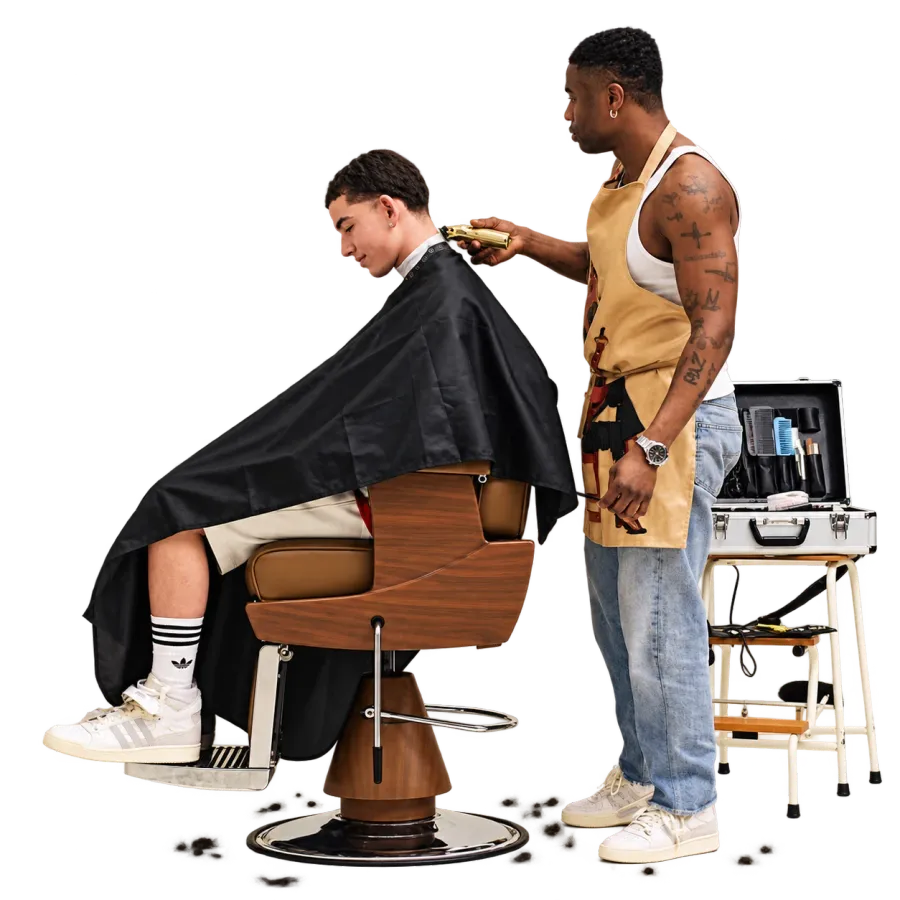
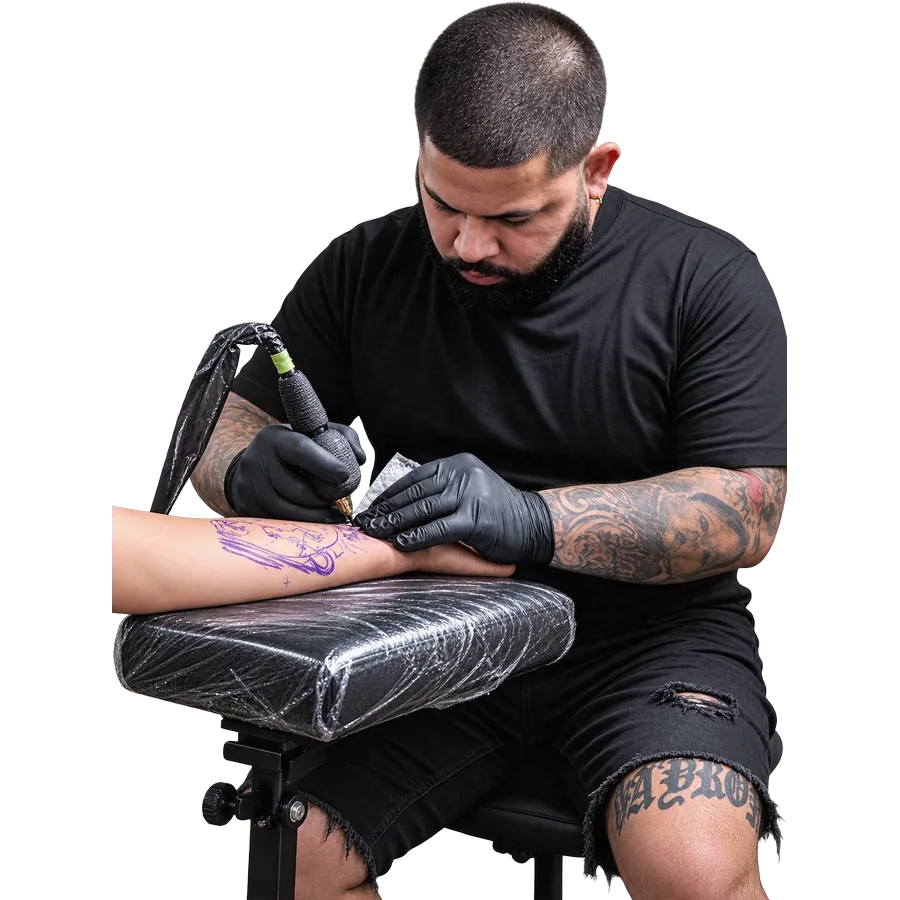
Made for how you work.
-
-
-
-
-

-

$49 for your whole team.
One price. Unlimited staff. No charge per worker. Or start free.
Free
$0 a month
To get started, on your own.
Solo
$25 a month
For one person who is busy.
Unlimited staff
Shop
$49 a month
For your whole team. One price.
Every new shop gets Shop free for 60 days. Prices in Canadian dollars.
What you can count on
Your clients stay yours
No marketplace. We never show your clients other shops. Export your list any time.
Payments by Stripe or Square
Money goes straight to your own account. Rndez never sees card numbers.
No contract
Free to start, no card. Stop paying any time and keep the Free plan.
Made in Montréal
English and French from day one. Prices in Canadian dollars.
Questions
Do my clients need an app or an account?
No. They book from your link. No password. Nothing to download.
Can I take deposits?
Yes, on every plan. You pick which services need one, and how much. Clients pay by card when they book. The money goes to your own Stripe or Square account.
Do you charge per worker?
No. Shop is $49 a month for your whole team. Add as many people as you need. Each one gets their own login.
Can I move from Fresha, Booksy, Square or Vagaro?
Yes. Get your client list from your old app as a spreadsheet. Upload it to Rndez. Check what Rndez found, then add it. How switching works
What does Rendy do?
Rendy answers your clients’ easy questions in your booking box: prices, hours, your rules. Rendy can find a free time and book it. When Rendy can’t help, it passes the chat to you. Meet Rendy
Can I cancel any time?
Yes. There is no contract. Stop paying and your shop goes back to Free. Nothing is deleted, and your booking page keeps working.

Send your link. Let clients book themselves.
Add your services and hours. Share your link. You’re open for booking.
Free to start. No credit card.