What Rndez does for you
Each part fixes a real problem in your day. Start with the basics. Turn on the rest when you need it.
Your whole day in one calendar.
No more paper, screenshots or double bookings.

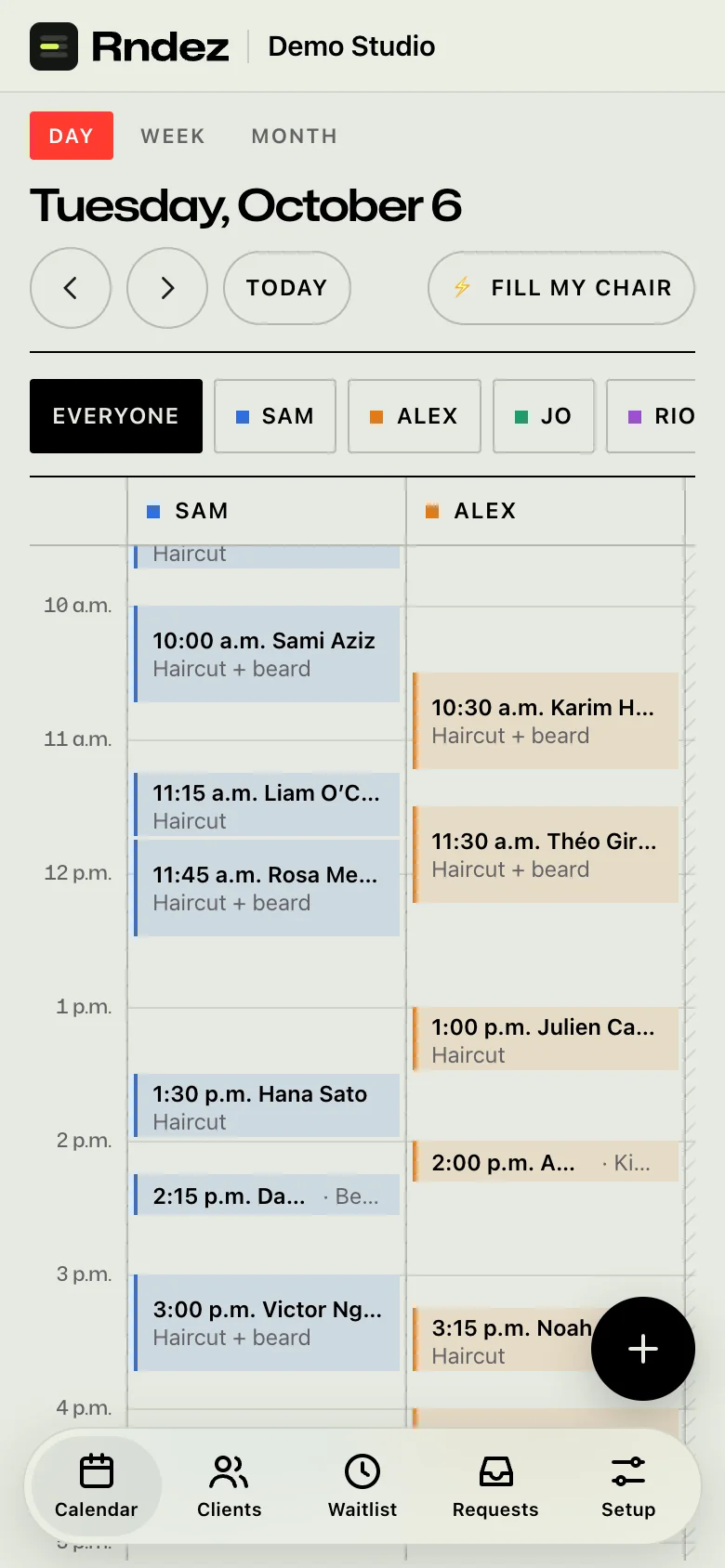
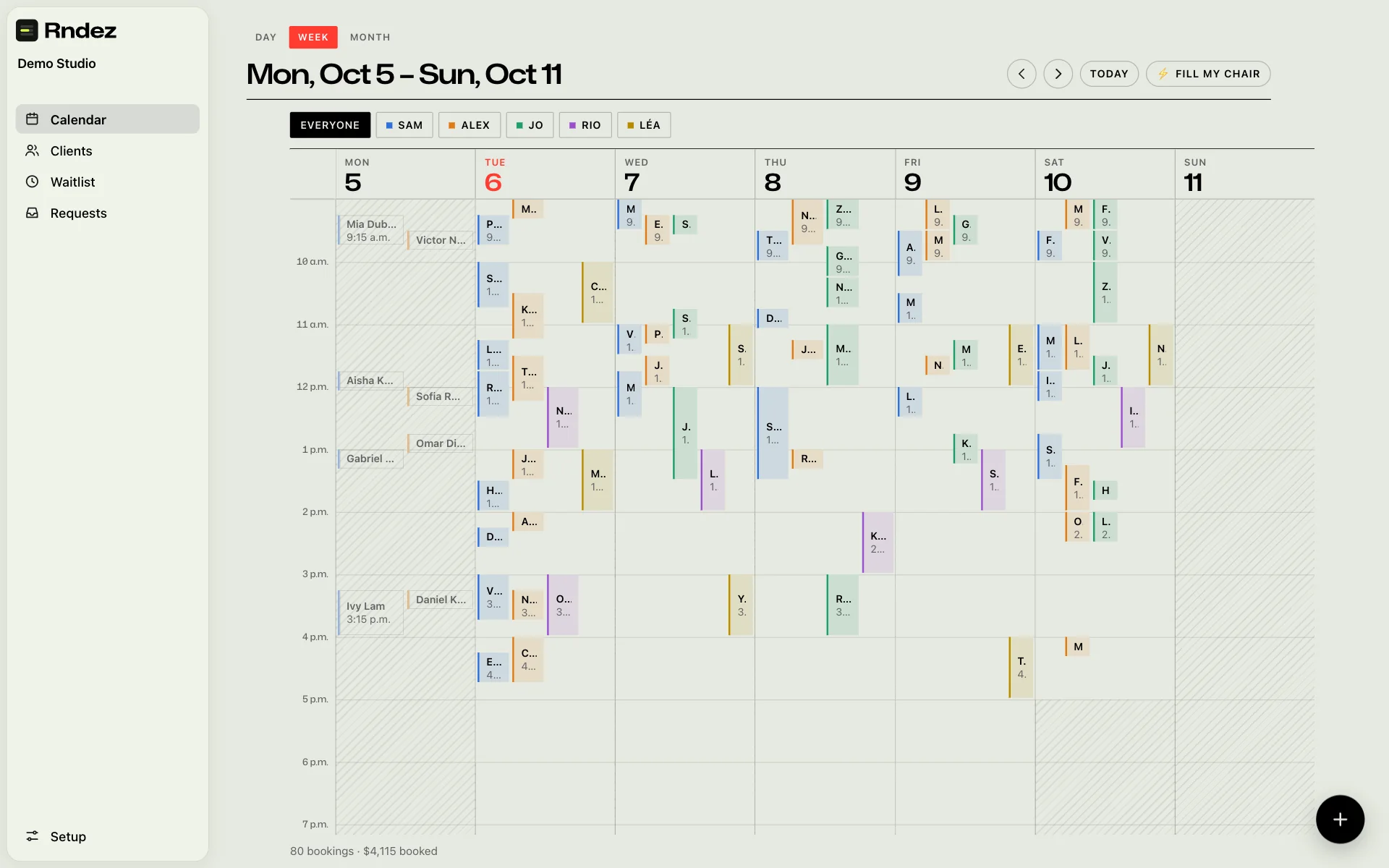
- Day, week and monthOne colour per person, so you see who is busy at a glance.
- Drag to moveMove a booking by dragging it. The client is told.
- Repeat bookingsBook a regular every 1 to 8 weeks in one go.
- No double bookingsTwo clients can’t book the same time, even at the same second.
The messages send themselves.
You stop texting every client yourself.
Confirmations
The problem: Clients ask “Are we still on?”
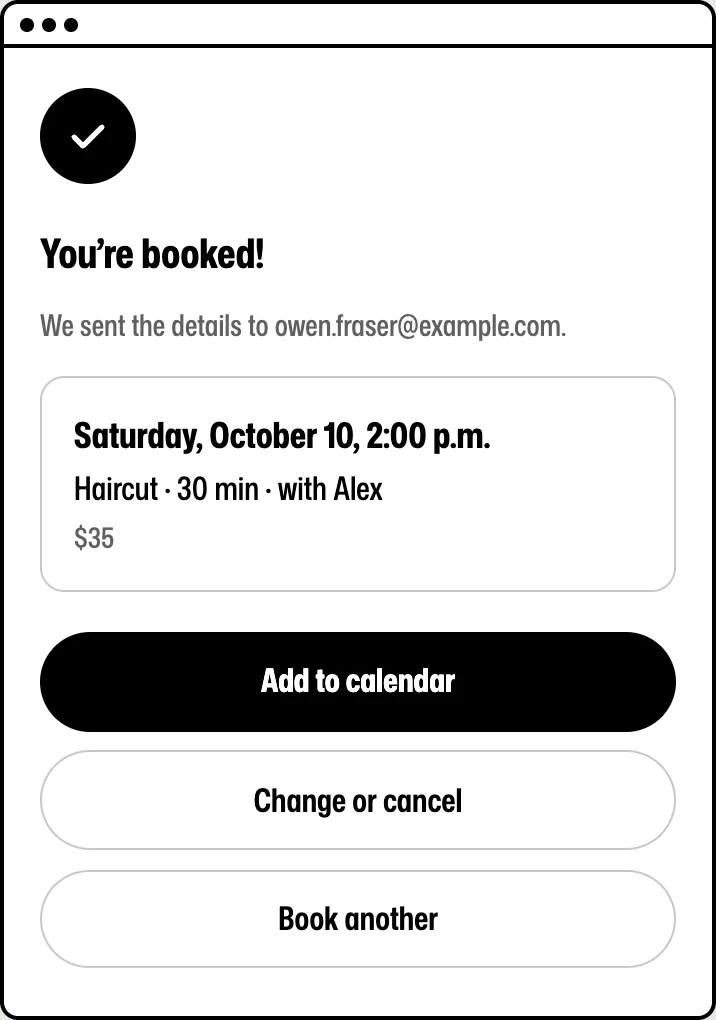
Every booking gets a confirmation right away, with the time, the place and a link to manage it.
Reminders
The problem: People forget. You text them one by one.
Rndez sends a reminder the day before. By email on every plan, and by text on Solo and Shop.
Moves and cancels
The problem: “Can I move to Thursday?” Three messages later, it’s done.
Clients move or cancel from their link, inside your rules. The freed time opens up for someone else.
Rebooking
The problem: Good clients drift away when nobody asks.
The day after a visit, a thank-you with a link to book the next one. Set “rebook in 3 weeks” and the link opens on the right date.
Reviews
The problem: Happy clients never think to leave a review.
The thank-you can ask “How was it?”. You choose which reviews show on your booking page.
Your own words
The problem: Messages that don’t sound like you.
Change the words of each message, in English and French. Turn off texts or the thank-you if you don’t want them.
Protect your time.
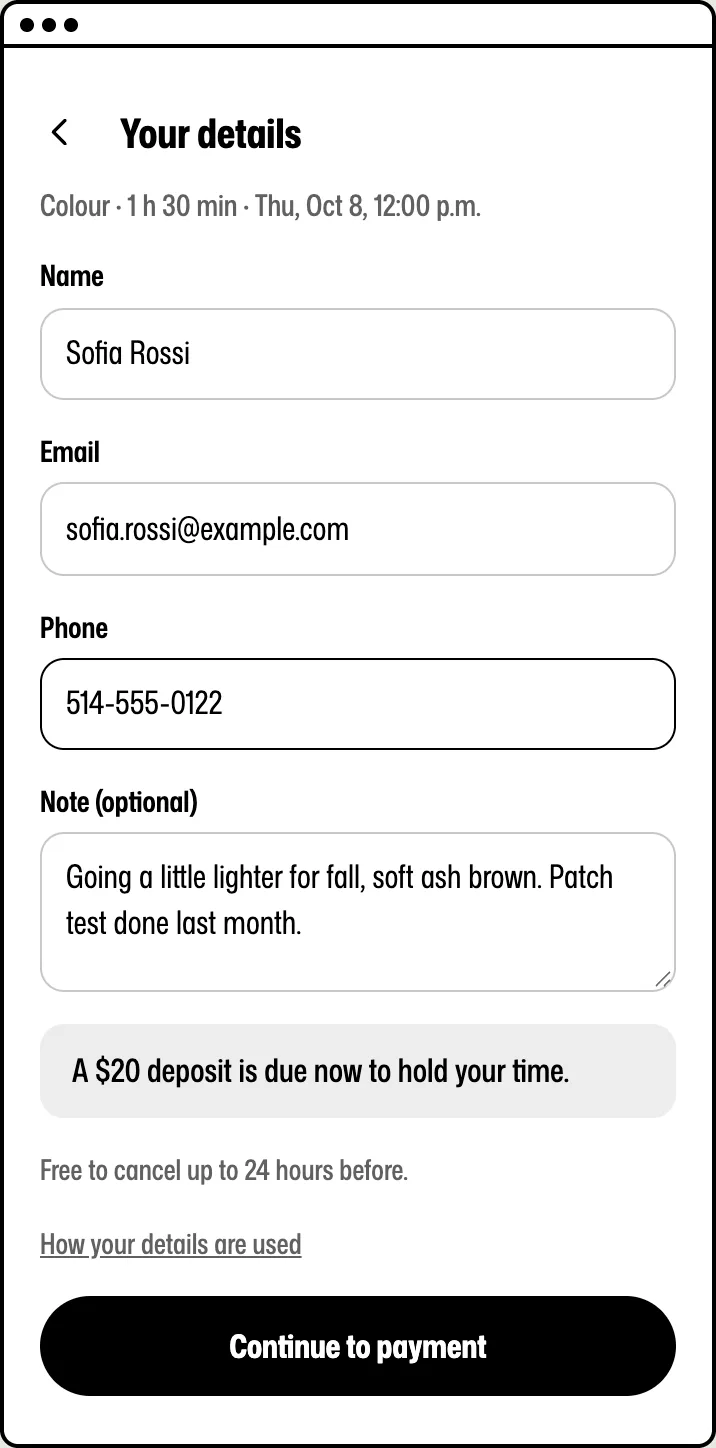
Ask for a deposit, and fewer people book and forget.
- You pick the services that need a deposit, and how much.
- The client pays it by card when they book. Prepaid cards are refused unless you allow them.
- If they cancel before your cut-off (24 hours unless you change it), the deposit comes back on its own. After that, you keep it.
- If they don’t show up, you can charge a no-show fee to the same card. You decide when and how much.
- Want the whole price up front? Set a service to “pay in full”.
Deposits go straight to your own Stripe or Square account. See every fee

A cancellation? The spot fills up.
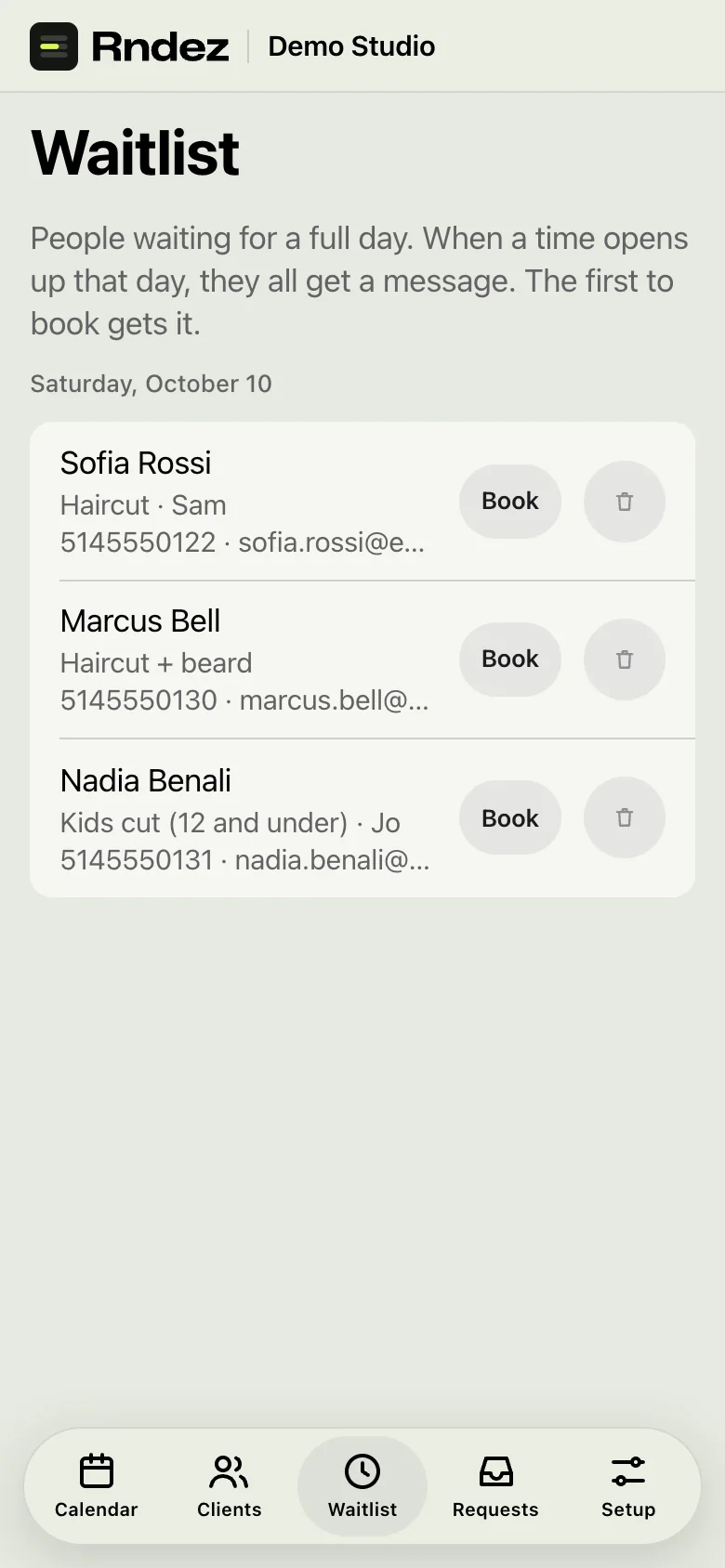
When a day is full, clients join its waitlist. When a time opens, they get a message. The first to book gets it.
Fill my chair
A gap in your day? One tap tells the waitlist, then regulars who are due back. At most one message a week per client, never after they say stop.


Rendy answers while you work.
Your AI front desk answers easy questions in your booking box, finds a free time and books it. On Solo and Shop.
Booking on your website, or without one.
On your website
The booking box sits inside your own page and takes your site’s fonts and button colour.
- Shopify
- WordPress
- Wix
- Squarespace
- Webflow
- Custom sites
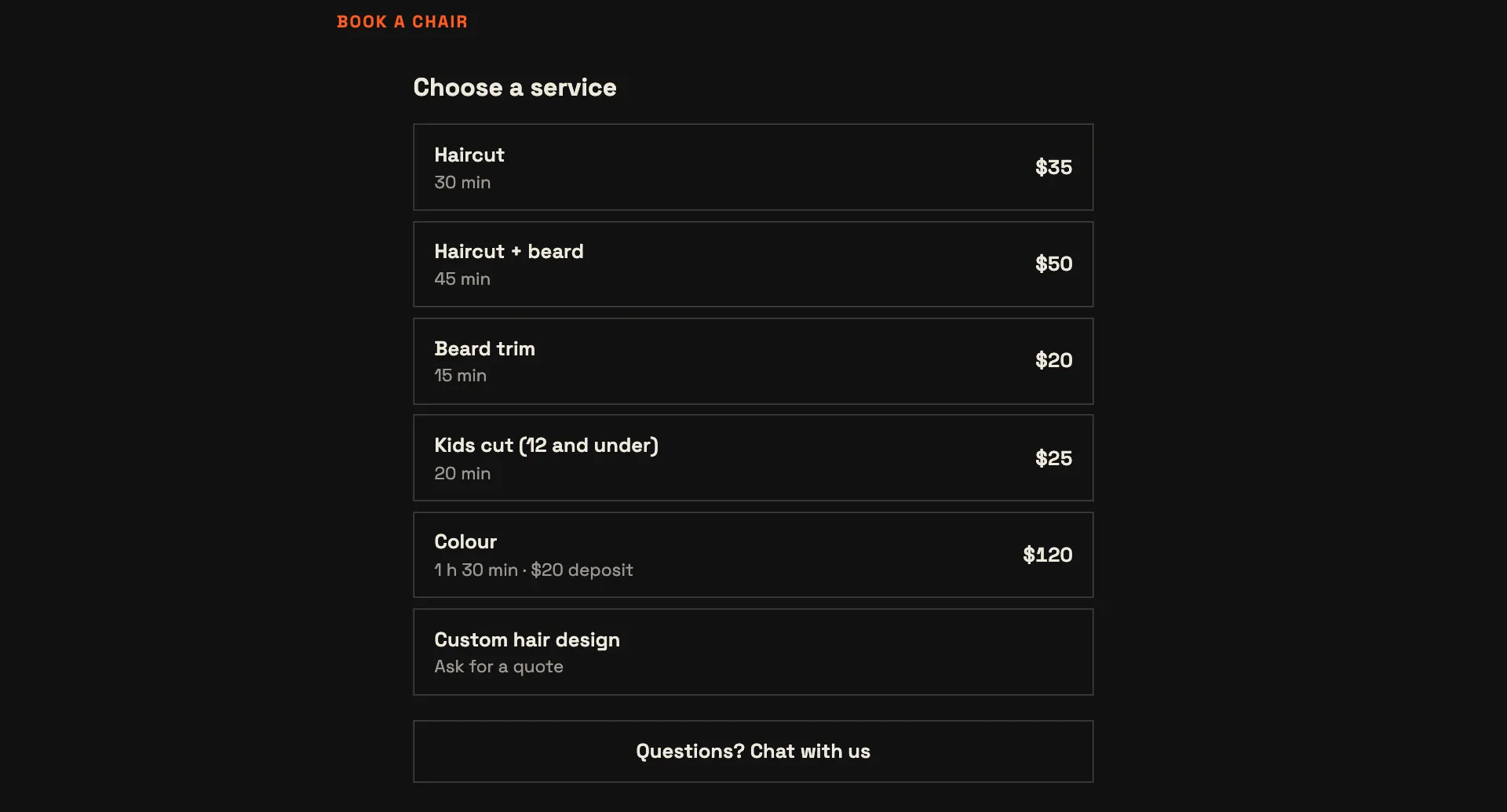
Copy a short code from your dashboard and paste it into your site. Some site builders allow this only on their paid plans.
No website? Your own booking page
Every shop gets a page with its services, prices, team, photos, hours and reviews. Share the link anywhere:
- Instagram bio
- Google profile
- Text messages
- Facebook and TikTok
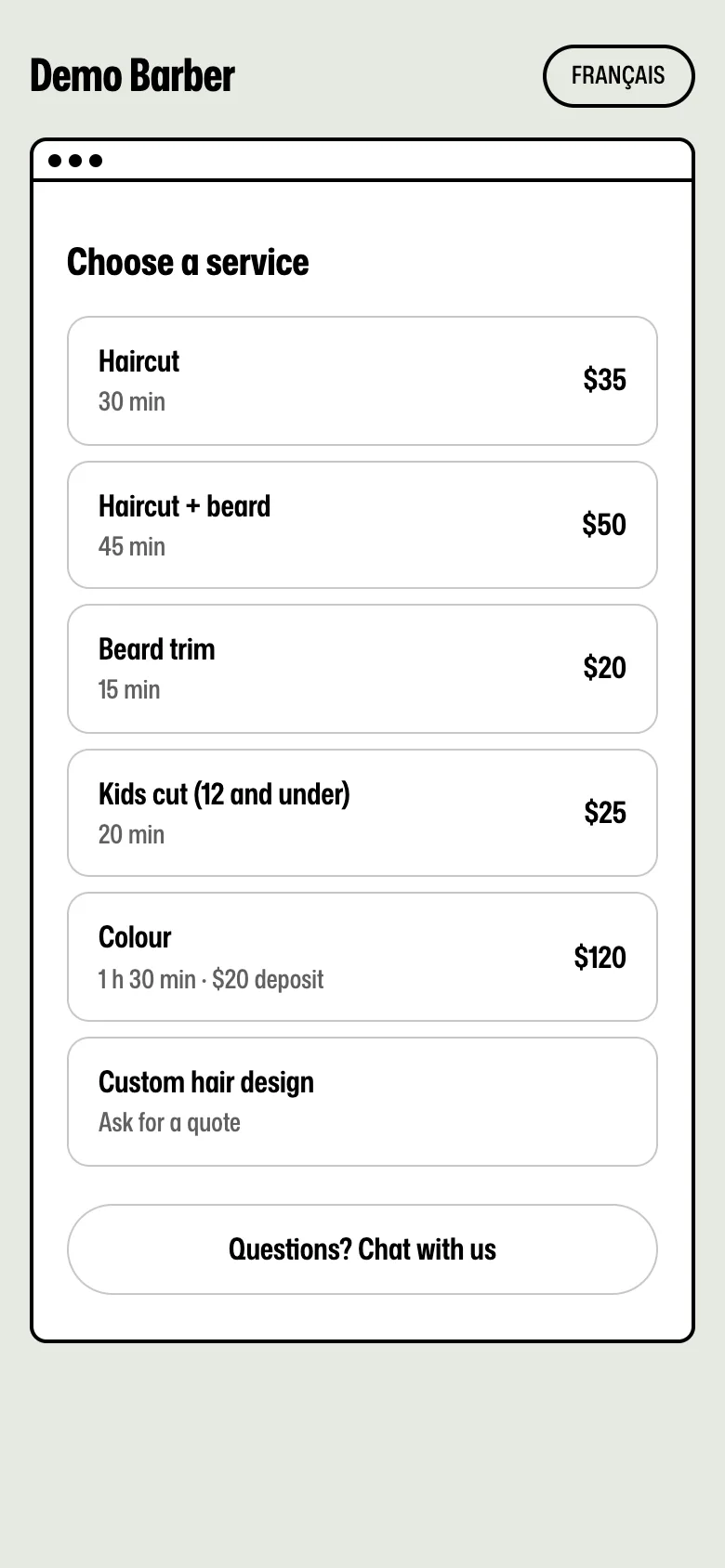
Solo and Shop also include a one-page website.
Your clients stay yours.
- Your page shows your shop. No other shops are listed next to you.
- Each client keeps their visits, your notes and their answers to your questions.
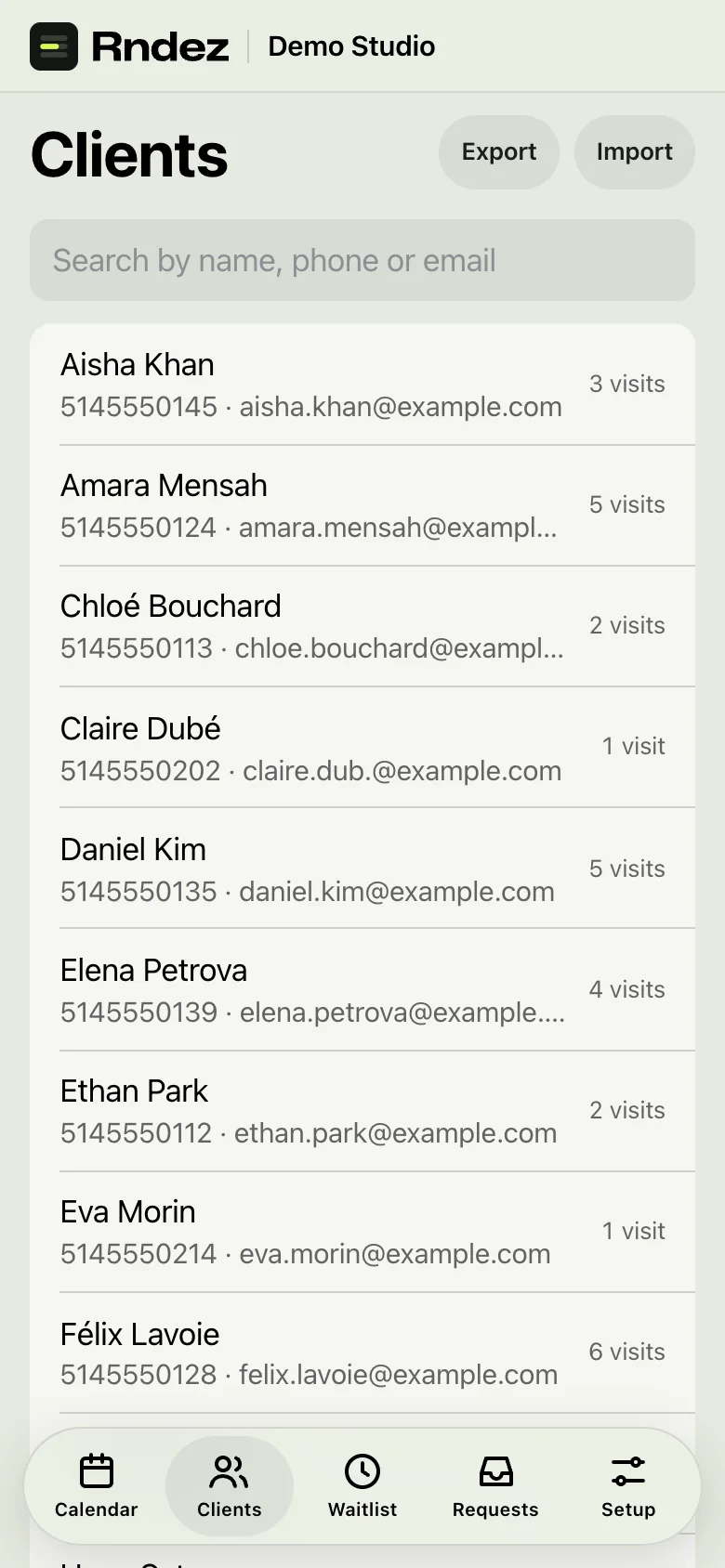
- Export your whole client list as a spreadsheet, any time.
- Coming from another app? Bring your list. Check it before it’s added.
The right booking, the first time.
The right details before the visit, not during it.
Flash
The problem: “Is this design still available?” Again and again.
Upload your flash: picture, price, size, length, artist. Clients pick a design and book it. One-of-a-kind pieces show as taken once booked.
Client forms
The problem: You ask the same health and consent questions at every visit.
Clients answer when they book: a consent box, yes or no, or a short answer. Ready-made sets for tattoo, massage and nails.
Quotes first
The problem: Custom work can’t be booked blind.
Set a service to “request first”. The client sends an idea and up to 3 photos. You reply with a price, a length and a deposit. Then they pick a time.
Add-ons
The problem: “Can you add a beard trim?” and now the day runs late.
Clients pick add-ons when they book. The time and the price grow to match.
Your own calendar
The problem: A dentist visit, and a client books right on top of it.
Paste your Google, Apple or Outlook calendar link. Your busy times are blocked. Your bookings can show in that calendar too.
For your whole team.
On the Shop plan. Reports are on every plan.
One price for everyone
The problem: Other apps charge for every new chair.
Shop is $49 a month for your whole team. Add as many people as you need.
Their own day
The problem: Staff text you to ask what’s next.
Each person logs in on their phone and sees their own bookings. Nothing else of the shop.
Their own prices
The problem: A senior stylist and a junior can’t cost the same.
Set a different price for each person on any service.
Time off
The problem: Days off live in a group chat.
Staff ask for days off in the app. You say yes or no. A yes blocks those days.
Commission and payroll
The problem: Payday means an evening with a calculator.
Set each person’s commission. Reports work out what each one is owed, as a spreadsheet.
Reports
The problem: You don’t really know if this month was better.
See money in, bookings, top services, each person’s work and new clients, next to the period before.
Getting paid, simply.
Every dollar goes to your own Stripe or Square account.
Pay at the end
The problem: Clients ask for your e-transfer details.
Type the amount, add GST and QST, and send a pay link. The client can add a tip. Cash and card at your place are logged too.
Receipts and refunds
The problem: “Can you send me a receipt?”
Clients get an email receipt for money paid. Refund from the payment list in one step.
Gift cards
The problem: People want to gift your work, and you have no way to sell it.
Sell gift cards online. The person gets a code by email and uses it to pay. Off until you turn it on.
Memberships and packs
The problem: Regulars pay one visit at a time.
Sell “4 visits a month” memberships or packs like “5 cuts for $150”. Booked visits use them up on their own.
Promo codes
The problem: A slow Tuesday, and no easy way to offer a deal.
Make a code. Clients type it when they book, and the price drops.
Every fee, plainly
- Rndez fee
- Free plan: 3% of each card payment. Not on tips. You choose who pays it: your client (as a booking fee), you, or half each. Solo and Shop: no Rndez fee.
- Card fee
- Stripe or Square take their own fee on every card payment, on every plan. It comes out of what you get. We add nothing to it.
- Your money
- Payments go straight to your own Stripe or Square account. Rndez never holds your money.
Example on Free, with the client paying the fee: a $20 deposit costs the client $20.60. You get $20, minus the Stripe or Square fee. On Solo or Shop, the client pays $20.
Clients type their card on Stripe’s or Square’s own page. Rndez never sees or keeps card numbers.
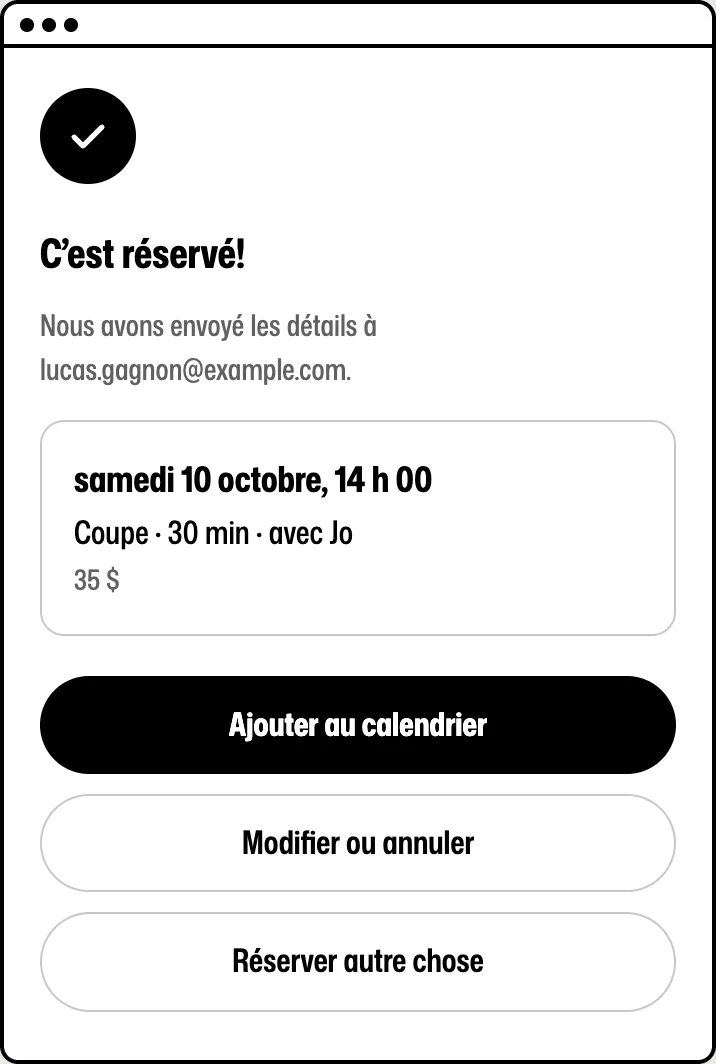
English and French, for every client.
Booking screens, confirmations and reminders come in the client’s language.

Send your link. Let clients book themselves.
Add your services and hours. Share your link. You’re open for booking.
Free to start. No credit card.