Switching apps
Bring your clients with you.
You don’t start over. Your client list comes with you, and you check it before anything is added.
“All my clients are in my old app.”
Bring them. Names, emails, phone numbers and notes come with you.
“I don’t have time to move everything.”
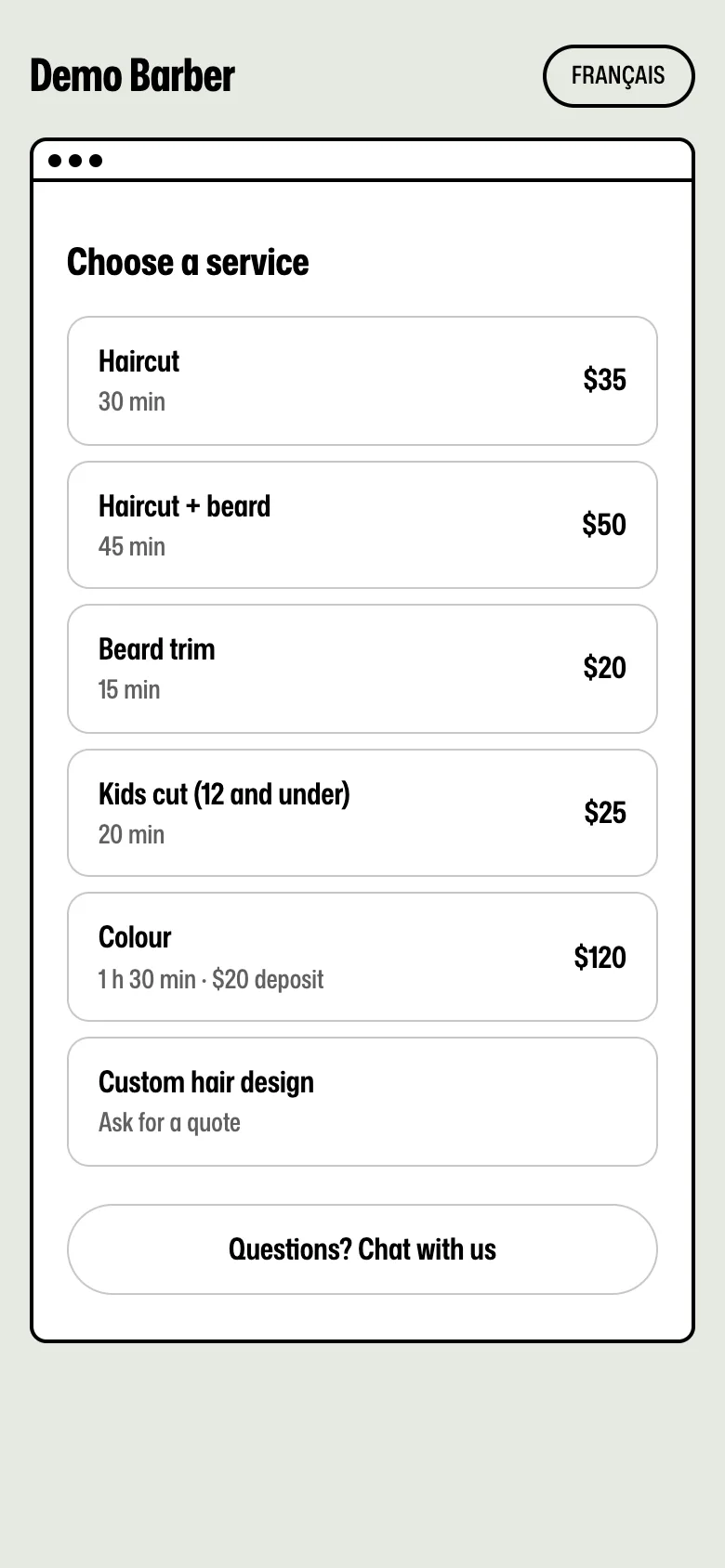
It’s one file. Upload it, check it, done. Paste your price list and Rendy makes your services.
“My clients will get confused.”
They get a new link. No app, no account, no password. They tap it and book.
“What about bookings already made?”
Keep your old app until those clients come in. New bookings go to Rndez.
Four steps. One file.
- 1
Get your list
Download your client list from your old app. A spreadsheet file: CSV or Excel.
- 2
Upload it
In Rndez, open Clients and pick Import. Choose the file.
- 3
Check it
Rndez shows the names, emails, phones and notes it found. Nothing is added until you say yes.
- 4
Done
Your clients are in. Anyone already on your list is matched, not doubled.
What comes, and what stays.
What comes with you
- Names
- Emails
- Phone numbers
- Notes
What stays in your old app
- Past bookings
- Payments and saved cards
- Bookings already made (keep your old app until they’re done)
- Reviews on the other app
Step by step, for your app.
Each app gets your list out its own way. Pick yours.
- FreshaExcel or CSVA direct download, on the web or in the app.
- BooksyAsk Booksy supportBooksy sends your client list when you ask its support team.
- SquareCSVA CSV from your Square Dashboard on the web.
- VagaroExcelAn Excel file from Reports. Only the business owner can export.
- ResurvaBookings file or MailchimpResurva doesn’t let you download clients directly. There are two ways around it.
- Another app?If it exports a CSV or Excel file with names or emails, Rndez can read it. Stuck? Write to us.
Tell your clients.
- Put your new link in your Instagram bio and on your Google profile.
- Send it to your regulars with your next text.
- Add the booking box to your website, if you have one.
Questions
Can I move from Fresha, Booksy, Square or Vagaro?
Yes. Get your client list from your old app as a spreadsheet. Upload it to Rndez. Check what Rndez found, then add it. How switching works
What comes with me when I switch?
Names, emails, phone numbers and notes. Past bookings and payments stay in your old app, so keep a copy there.
Can I use both apps for a while?
Yes. Keep your old app until the clients already booked there have come in. New bookings go to Rndez.
Does Rndez own my client list?
No. Your clients are yours. We never show them other shops, and we never message them for ourselves.
Do I need a credit card to start?
No. Sign up with your email. Every new shop gets the Shop plan free for 60 days. After that, stay on Free or pick a plan.

Switch today. It’s free to start.
Upload your list, add your hours, share your new link.
Free to start. No credit card.